From AI-Generated Image to Physical Model
An AI-generated image can communicate a compelling design direction, but it is not usually a complete definition of a physical object.
The image may show form, materials, atmosphere, and visual intent while leaving dimensions, unseen surfaces, construction, and geometry unresolved. Turning it into a physical model therefore requires interpretation and additional design information.
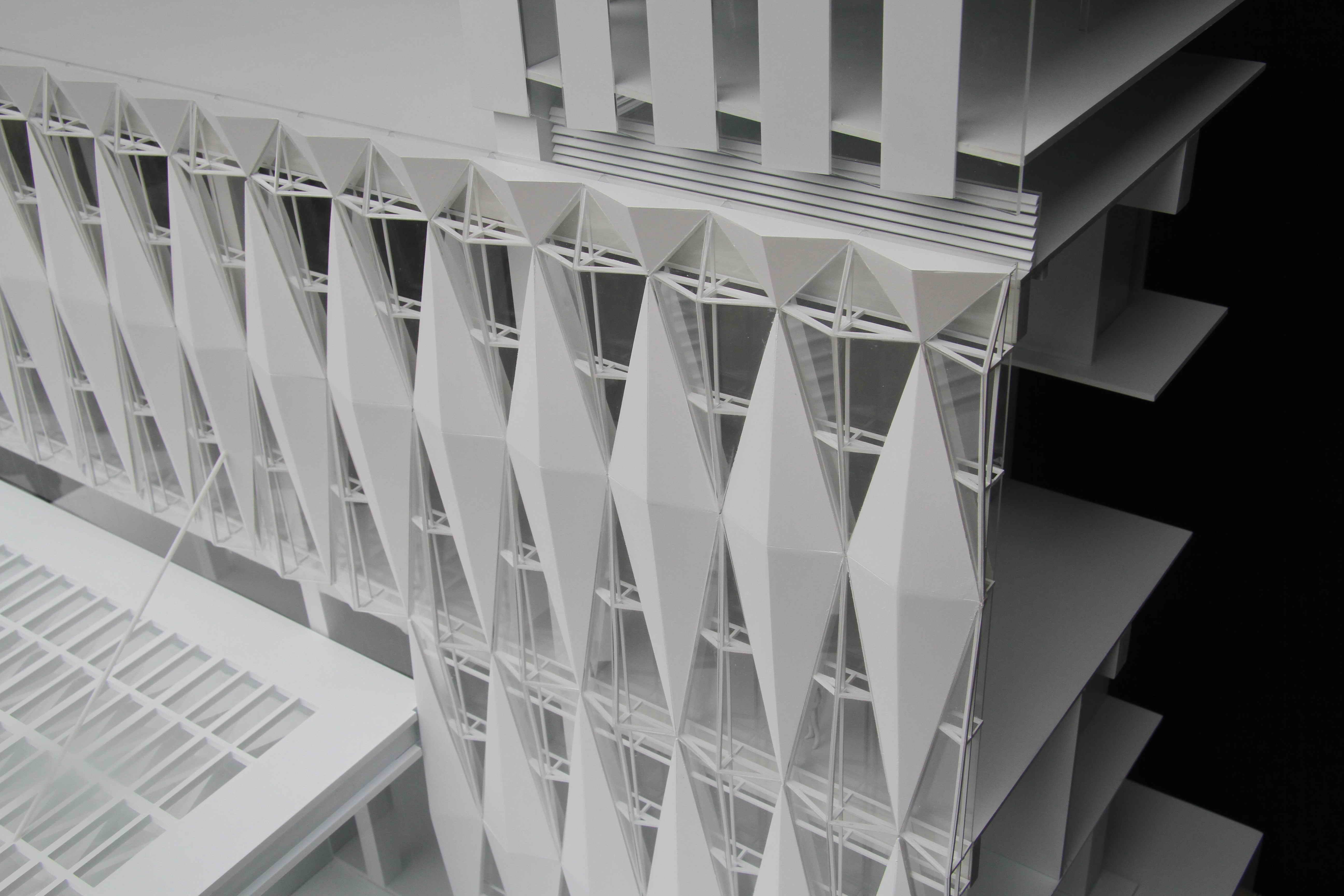 Facade Details · 1:35 · ABS
What can an AI image provide?
An AI-generated image can be useful for establishing:
- Overall form and proportion
- Visual character
- Material and color direction
- Important features
- Intended environment or context
- A starting point for discussion
It is most effective as a reference—not as fabrication-ready information.
What is usually missing?
A single image may not define:
- Exact dimensions
- Side and rear views
- Wall or component thicknesses
- Internal structure
- Connections and assembly
- Repeated elements
- Material transitions
- How the object meets its base or site
AI images may also contain visual inconsistencies. Features can change between views, alignments may not work geometrically, and elements that appear convincing in an image may not be physically possible.
What additional information is helpful?
You do not need a complete drawing set to begin. Send whatever is available, such as:
- Approximate overall dimensions
- Additional views or reference images
- Sketches or marked-up images
- Known materials and finishes
- Important features that must be retained
- The intended use of the physical model
- Preferred model size or scale
- Required completion date
Even rough dimensions can provide a useful starting point.
How does the process work?
1. Define the purpose
We first establish who needs to understand the model and what it must help them evaluate, communicate, present, or approve.
2. Review the reference material
We identify which features are clear, which are ambiguous, and what additional information or client decisions are required.
3. Develop the geometry
When no usable 3D model exists, Digital Model Development is separately scoped to create the geometry and production information required for fabrication.
4. Review and approve
The developed geometry is reviewed with the client. Important dimensions, forms, components, and interpreted design decisions are approved before physical production begins.
5. Prepare for fabrication
The approved geometry is simplified, divided, and prepared according to the selected materials, production methods, assembly, and finish requirements.
Who makes the design decisions?
Carve can translate visual references into coordinated geometry, but the client remains involved in decisions that cannot be determined from the image alone.
The objective is not to guess what the AI intended. It is to establish a clear, reviewable physical interpretation before fabrication.
About this guide
This guide was prepared by the Carve Model team using our experience defining, coordinating, fabricating, reviewing, packaging, and delivering physical models. Project requirements vary, so recommendations are confirmed during the review of each project.